
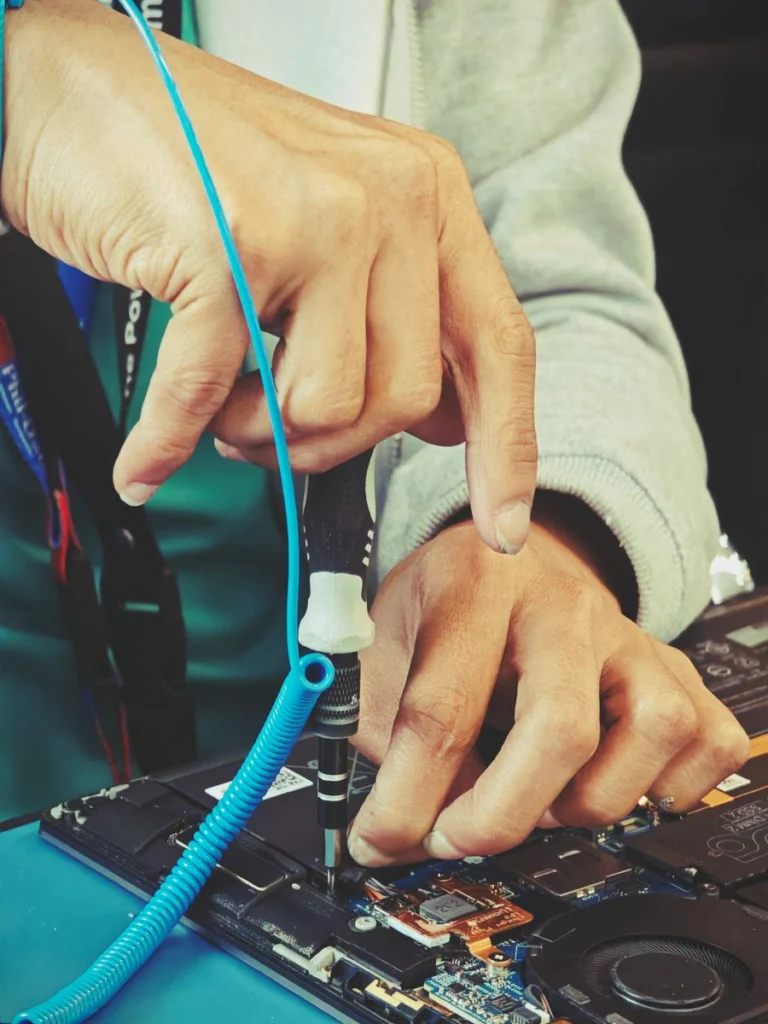
When a staff laptop fails, decide what the employee needs to do today before deciding how to repair the machine. A temporary managed laptop may restore access to email and cloud work while the original device is assessed.
Document what can move to the spare
Check which files are synced and which live only on the failing laptop. List applications that need a licence and devices that need a specific driver. Use your normal account and device enrolment process instead of giving the employee another person’s sign-in.
Brief the repair provider
Supply the model, asset number, exact symptoms and any warranty constraints. State whether the drive must stay with the organisation, whether company files need to be recovered and who can approve parts. Discuss how encryption or device management might affect diagnostic testing.
Test before returning the equipment
Ask the employee to check sign-in, the normal work applications, Wi-Fi and relevant peripherals. Verify the repaired laptop has the company’s required protection before removing temporary access from the spare.




