
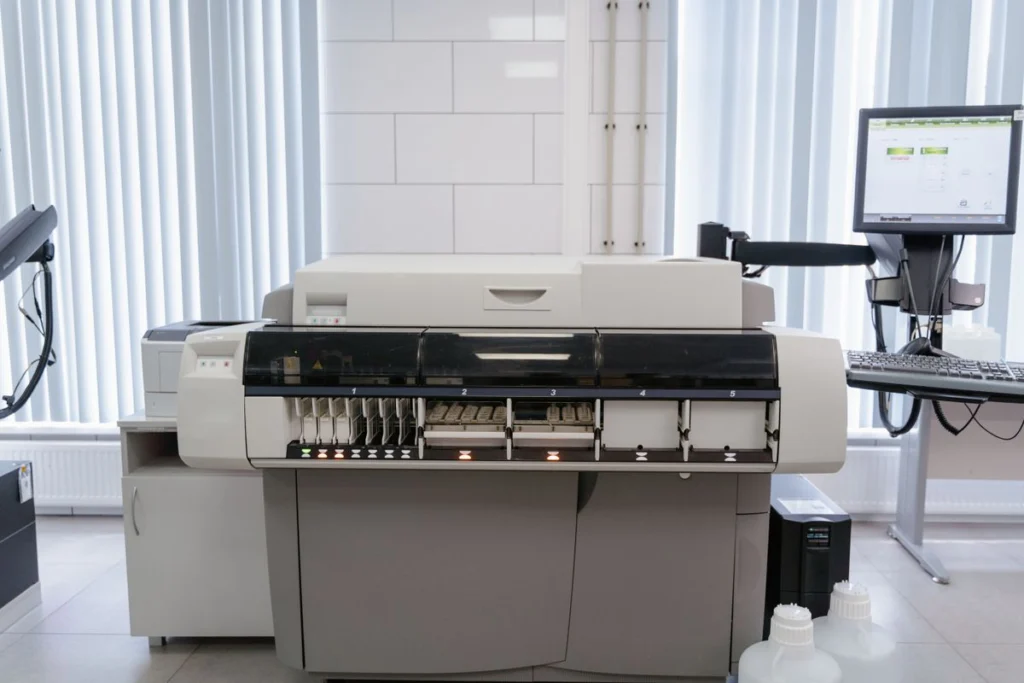
If printing still works but scanned documents no longer arrive, concentrate on the scan destination. Record the printer panel’s error and identify the folder or workstation that normally receives the scan. Check whether staff can open that destination from their computers.
Check recent account and folder changes
Ask whether a computer was replaced, a password changed or the folder moved. Confirm who owns the destination and who may access scanned files. Avoid broadening folder permissions to get around a connection error.
Prepare a useful service booking
For an Al Ain office visit, provide the scanner model, the failing scan profile and an authorised contact for the file share. Use a blank or non-sensitive test page for troubleshooting. Confirm whether more than one scanner or folder is affected.
Make the final test practical
Scan a two-page test document, check the filename and destination and verify it opens from an authorised user’s workstation. Record the settings needed for future support.
Related IT support guides
- Office Printer Support in the UAE When a Shared Queue Stops
- Shared Printer Setup in Sharjah for Small Offices




