
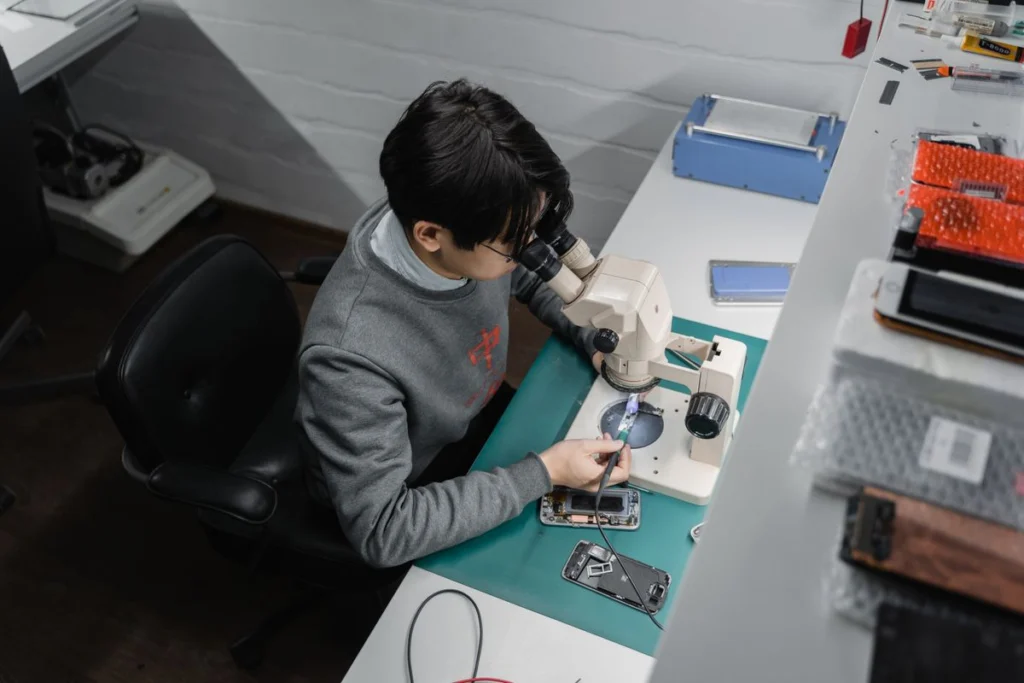
If a phone stops charging, note whether it shows no response, charges only at an angle or charges fully and then drains quickly. These are different symptoms. For a dry, undamaged device, try a known-good compatible charger and cable and record whether either changes the result.
Stop if you see damage or unusual heat
If the case has started separating, the phone was wet or it gets unusually hot, stop charging it. Mention the condition when you request service. Avoid inserting objects into the charging port, and check the device maker’s guidance before attempting to clean it.
Prepare a backup and a handover checklist
Back up the device if it still works. Keep track of any authenticator app or account you need for work. Ask the provider how it handles device access and whether testing can happen with you present. If important data exists only on that phone, state that before authorising repair.
Request an assessment in Ajman
Give the model, symptom, charger tested and whether there has been a drop or spill. Confirm how the device will be assessed and whether a visit or handover is available. Ask for approval of the parts and labour estimate before replacement, followed by a charging test.




