
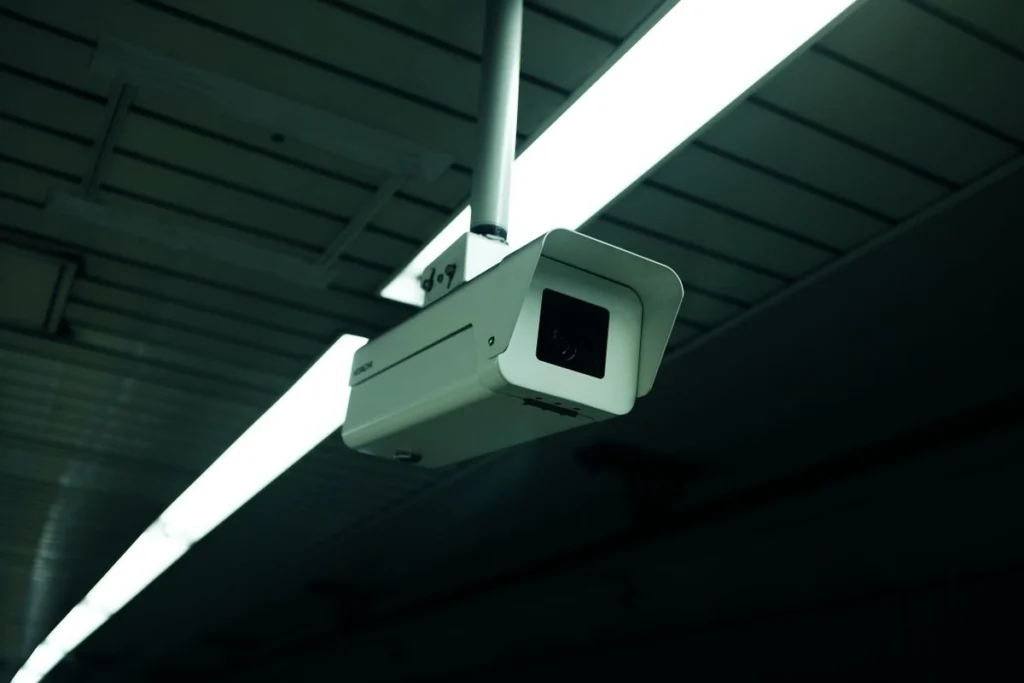
If mobile viewing stopped when your shop changed routers, check the recorder’s local live view and recent playback. If both work, focus the support request on remote viewing and keep the working recording configuration in place.
Record the change and affected users
Write down when the router was changed, who is authorised to view the system and what message appears on the mobile app. Compare the app on shop Wi-Fi and on mobile data. Avoid exposing the recorder directly to the internet to bypass a sign-in or connectivity issue.
Set a visit window for the shop
For an Ajman booking, arrange access to the recorder and router outside peak trading hours where possible. Have the account owner available to authorise access. Note any footage that needs to be preserved before troubleshooting begins.
Test the handover with an authorised viewer
Check recent recordings from the local monitor, then verify remote viewing on an approved phone away from shop Wi-Fi. Confirm who should retain access after the job.




