
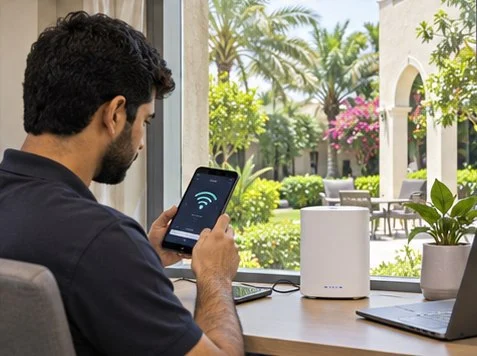
Test Wi-Fi in the rooms that need service, then test a possible mesh node position halfway back to the router. A node placed where the signal is already weak can extend that weak connection.
Map what fails in each room
Use one device to test beside the router, behind the problem wall and at the desk or TV. Record whether the issue is low speed, disconnections or one device only. Run the same test with doors in their usual positions.
Try a node position or cable path
If the middle location has a stable connection, it may be a candidate for a wireless mesh node. Where safe and practical, compare a temporary wired connection to see whether wired backhaul would address the loss. Check ordinary calling or streaming after a change.
What to check
| What you observe | What to do |
|---|---|
| Only one device has trouble | Compare another device before changing the network. |
| Signal is poor halfway to the room | Try another node position or a wired link. |
| Wired speed is also poor | Investigate the router, service or network load before buying mesh. |
Frequently asked questions
Does another node always help?
Placement and the quality of the connection back to the router matter. Verify the actual room after installation.
What should I send to a technician?
Share a simple floor plan, router location, problem rooms and a few repeatable test results.




