
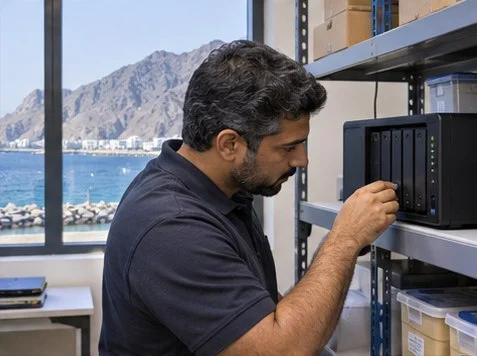
Restore a small set of representative files to an isolated destination, then open them as the intended user. Record the newest recoverable copy and elapsed recovery time so you can compare them with business requirements.
Choose a small representative sample
Use a spreadsheet, a nested folder and a document with known permissions. Ask the business owner to confirm what each file should contain. Record the selected backup date and the destination before starting.
Measure and compare the restore
Time the recovery from request to usable access. Open files, compare permissions and confirm the source location stayed intact. Report which copy was recoverable and how much data could have been lost since it was captured.
What to check
| What you observe | What to do |
|---|---|
| Backup job succeeded | Select and restore an actual copy. |
| File opens with wrong permissions | Recheck whether access control metadata was included. |
| Recovery takes too long | Measure transfer, approval and validation time separately. |
Frequently asked questions
Should we overwrite a live shared folder in a drill?
Use an isolated destination unless a controlled exercise explicitly requires live changes.
How often should we repeat it?
Set the interval with the data owner based on how much data and downtime the business can tolerate.
Related tools and guides
- Plan backup and disaster recovery
- Techvenation Fujairah coverage
- Record recovery objectives and test steps
- Remote or On-Site IT Support for a UAE Office Incident?
- Umm Al Quwain Office Internet Failover Test




