
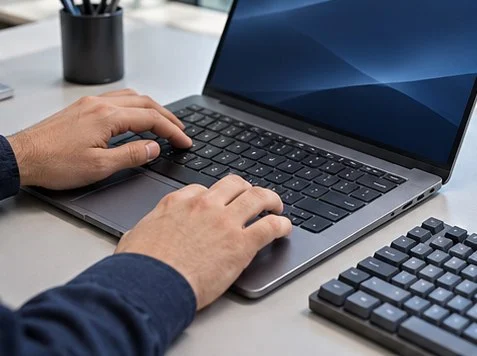
Compare the same F-key with and without Fn, then test a regular key and an external keyboard. Firmware or the operating system can intercept a key before the browser receives it.
Test a repeatable sequence
Focus the keyboard tester and press a letter, F2 and the corresponding brightness or volume key. Write down what lights up and what action the laptop performs. Consult the device manual before changing Fn Lock, since its shortcut differs by model.
Isolate the laptop keyboard
Connect a known-good external keyboard and repeat the same sequence. Test the suspect key in a local application where that function is safe. If the built-in key also fails outside the browser while the external key works, record the device model and the results for repair.
What to check
| What you observe | What to do |
|---|---|
| Brightness changes with no highlight | Record the OS action. The browser may have received no event. |
| Letters are wrong | Check the selected system input language. |
| One key fails in several apps | Compare another keyboard and check for physical damage. |
Frequently asked questions
Can a browser test every Fn shortcut?
A browser can report only the events it receives. Some combinations are handled by the laptop or operating system.
Can this identify a replacement part?
Use the manufacturer’s model and service documentation to identify the correct part.
Related tools and guides
- Open the online keyboard tester
- Test an external mouse separately
- Webcam Works but Meeting Microphone Is Silent
- Remote or On-Site IT Support for a UAE Office Incident?




