
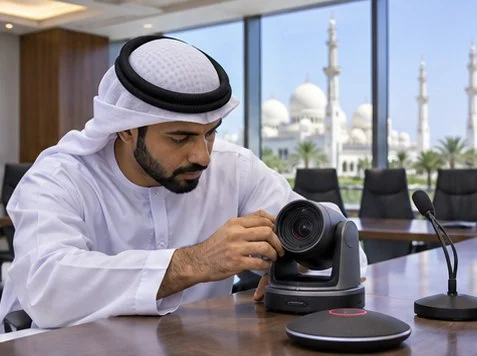
An Abu Dhabi meeting-room handover should include a live call with someone outside the room. Ask them to confirm picture framing, speech from the far seat and screen sharing while the room uses its everyday meeting setup.
Recreate the real meeting
Join using the room account and a remote participant. Have two people speak from different seats, then share a presentation and switch inputs. Ask the remote participant to describe what they see and hear so the room team can reproduce each issue.
Test after disconnecting
Leave the call, disconnect the laptop and repeat from a clean start. Record the cable or room preset that works, supported connection modes and who maintains the room. Give the next host a one-page quick start.
What to check
| What you observe | What to do |
|---|---|
| Remote participant hears an echo | Check that only one device in the room has active meeting audio. |
| Far seat sounds quiet | Repeat with the same speaker near and far from the selected microphone. |
| Slides appear locally only | Verify the meeting app is sharing the intended screen. |
Frequently asked questions
Can we sign off with a local preview?
A local preview is an initial check. A remote participant can verify the transmitted picture and sound.
How do we test a guest laptop?
Use the guest connection method and check screen sharing, sound and camera behavior from a fresh session.




