
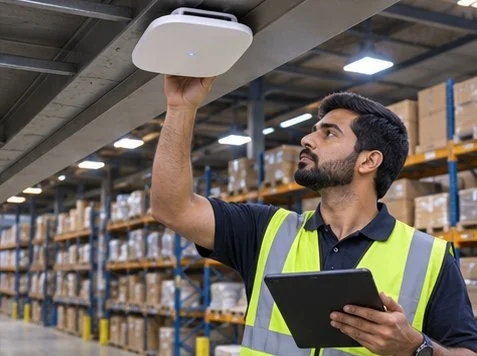
Test a warehouse scanner while walking its real picking route and scanning at aisle boundaries. A fast speed test beside an access point says little about whether a handheld can keep a session as it moves.
Walk the picking path
Use the actual scanner model and production-equivalent software. Walk from staging through several aisles and around the loading area. Record the time and position of each reconnect or failed scan. Repeat with representative stock levels and doors in normal positions.
Separate Wi-Fi from the application
Compare an affected handheld with another unit. If the wireless link remains stable while the picking app signs out, record the app session or server issue separately. Share scanner model, access point logs and timestamps with the support team.
What to check
| What you observe | What to do |
|---|---|
| Drops at an aisle boundary | Compare access point association events at the recorded location. |
| One handheld disconnects | Compare its firmware, configuration and behavior against another unit. |
| Several handhelds fail together | Check the affected access point, switch port and application logs. |
Frequently asked questions
Do more access points always solve roaming?
Placement, channel overlap and client roaming behavior affect the result. Measure the route before adding equipment.
Can a phone substitute for the scanner?
Use a phone for a first survey, then verify with the actual handheld model.




