
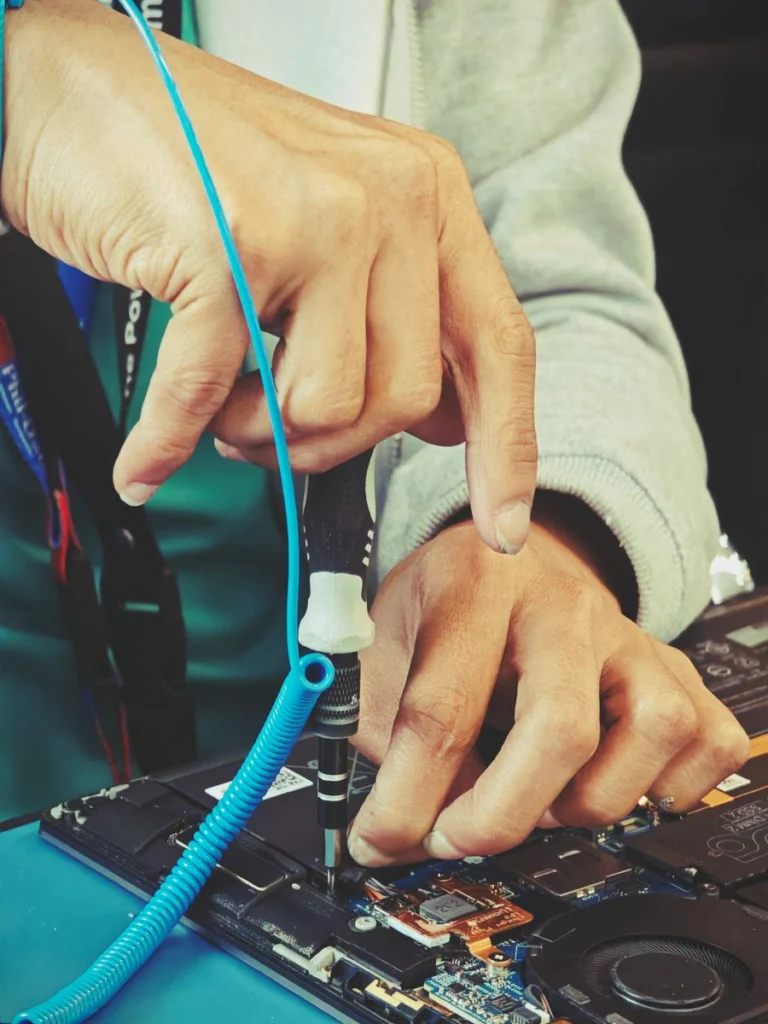
A laptop with a black screen can have a power, display or startup problem. Describe what happens when you press the power button. A machine that has lights or fan noise needs a different assessment from one that shows no sign of power at all.
Record the first signs
Check whether the charging light comes on with the correct charger connected directly to a known working outlet. Disconnect docks and removable accessories, then note any fan noise, beep pattern or keyboard lights. If you see the manufacturer logo, write down what appears next, including any recovery or encryption prompt.
Know when to stop testing
If there has been a spill, the case looks swollen, or you notice an unusual smell or heat, disconnect external power if safe and stop trying to start or charge it. Tell the technician about the event before they advise you on next steps. Avoid repeatedly forcing restarts on a machine with important files and no recent backup.
Put data and repair cost into the booking
Include the laptop model, charger type, symptoms and any recent drop or spill. Say whether the priority is getting the computer working or getting files back. Ask what the assessment includes and whether parts, collection or a site visit will be priced separately. If Windows still starts, a software assessment may be possible remotely.
Related IT support guides
- Home Laptop Setup in Sharjah for a Student Computer
- Home Computer Support in Ras Al Khaimah for New PC Setup




