
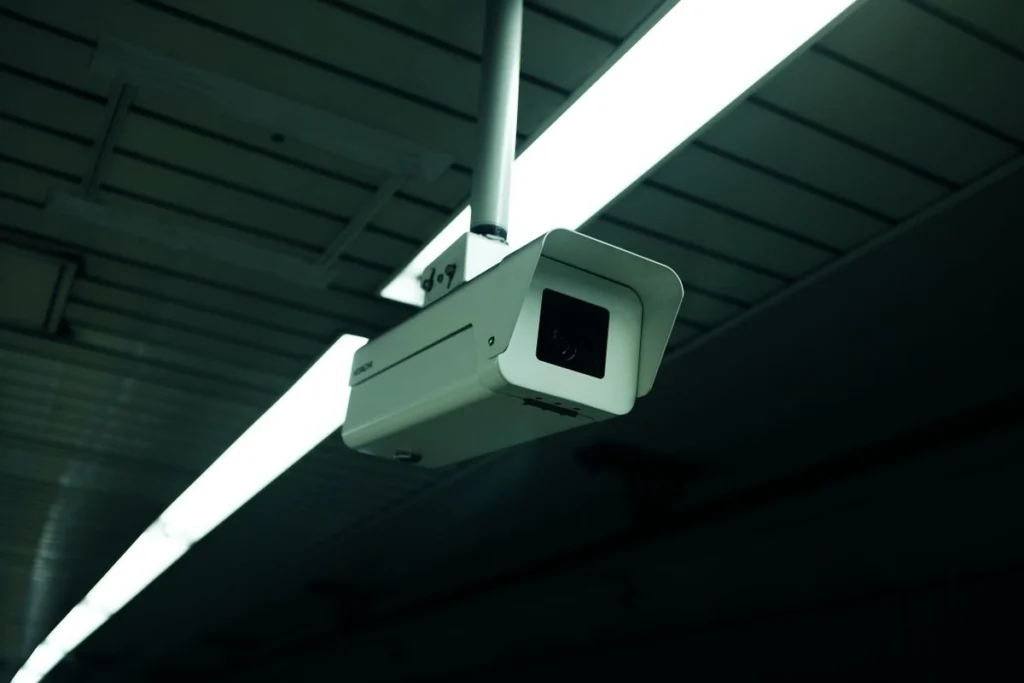
A blank CCTV app does not tell you whether the cameras stopped recording. If you have authorised access, check the recorder’s local monitor first. Open the live view and try playing a recent recording. Then compare what you see when your phone is on the same Wi-Fi and when it uses mobile data.
Compare one camera with the whole system
If one view is missing, note the camera label and when it last worked. If all views are missing locally, record the recorder’s status or warning lights. If local playback works but mobile access fails, record any router change, app sign-in message or account change before resetting the recorder.
Preserve footage and access
If you need footage for a specific event, note the date, time and relevant camera. Ask about exporting the footage while it is still available. Avoid formatting storage, exposing the recorder directly to the internet or sharing passwords in your booking message.
Send a clear service request
Include the camera and recorder brands, the number of affected views, whether recent recordings play locally, and whether the internet was recently changed. Agree on a handover test that covers both recording and remote viewing. Keep any permissions, building access and camera positioning decisions with the property owner.




