
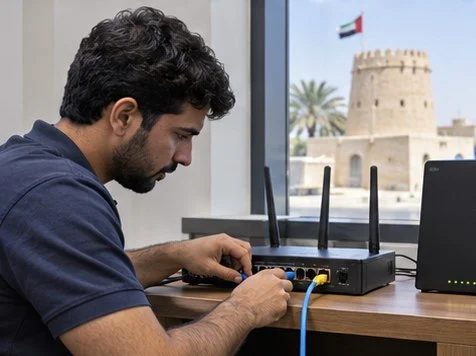
Plan an approved window and simulate primary internet loss at the router. Verify that the backup link carries essential traffic, then check how the office reconnects to its primary line.
Define the test and the rollback
Agree on a test window, operator and rollback step. List the services that must work on the backup link, such as cloud apps, a phone call or a VPN. Use a low-impact test client and record the expected recovery time.
Measure both directions
Run the baseline, then disable the primary connection through an approved router method. Time the first working application on the backup link. Restore the primary connection and record whether sessions reconnect and whether the router switches back automatically.
What to check
| What you observe | What to do |
|---|---|
| Router shows backup online | Verify a real user application through that connection. |
| Cloud apps work but VPN fails | Record the VPN behavior and public address change for the network team. |
| Primary comes back | Verify return to primary and monitor for repeated switching. |
Frequently asked questions
Will existing calls always survive?
A change of path or public IP can interrupt an active session. Measure recovery with the applications you use.
Can a mobile backup be used?
Confirm coverage, allowance and any service that needs inbound access before relying on it.




