
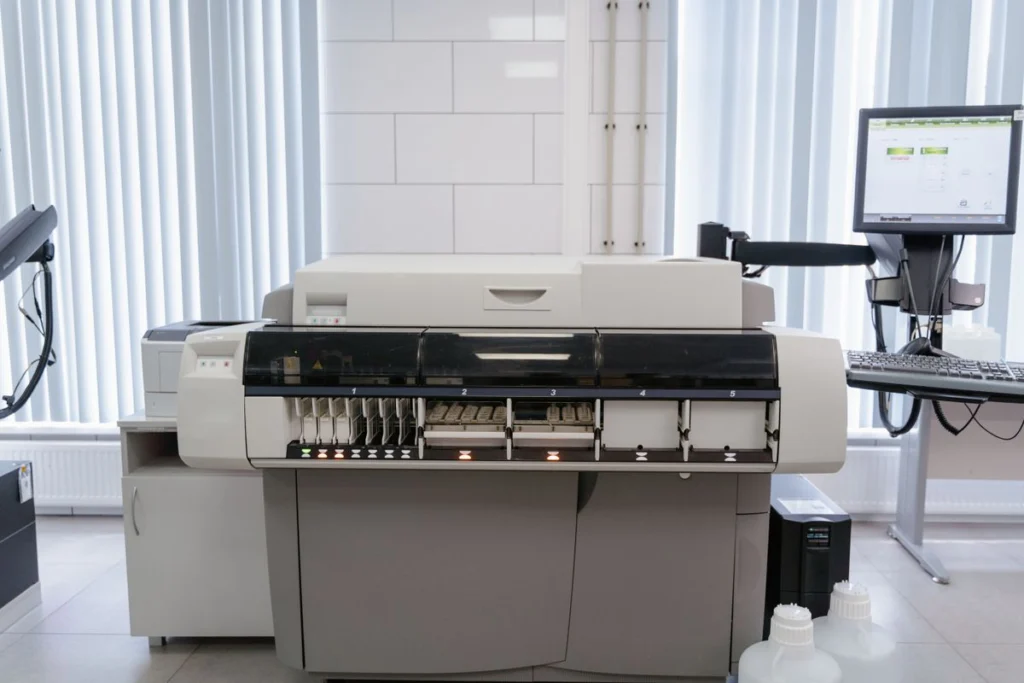
When several staff cannot print, check whether the printer can produce a report from its own panel. A working local report shifts attention towards the print queue, the network or permissions. An error on the panel may require someone to inspect the device.
Identify the shared queue and affected users
Record the printer model, the queue name and which departments or desks are affected. Ask whether another queue or a direct connection still works. Check for a recent network, driver or permission change before recreating printers on everyone’s computer.
Protect jobs waiting in the queue
Ask staff to pause repeated print attempts. Before clearing or restarting a shared service, agree who owns the queue and who will reprint urgent documents. Check Microsoft’s printing troubleshooting guide for Windows-specific checks.
Validate the whole workflow
After recovery, have two affected users print from their usual applications. Verify the correct tray and paper size and test any shared scanning destination separately.




